

405 Method Not Allowed for all others before the request reaches the origin.
To configure allowed HTTP methods:
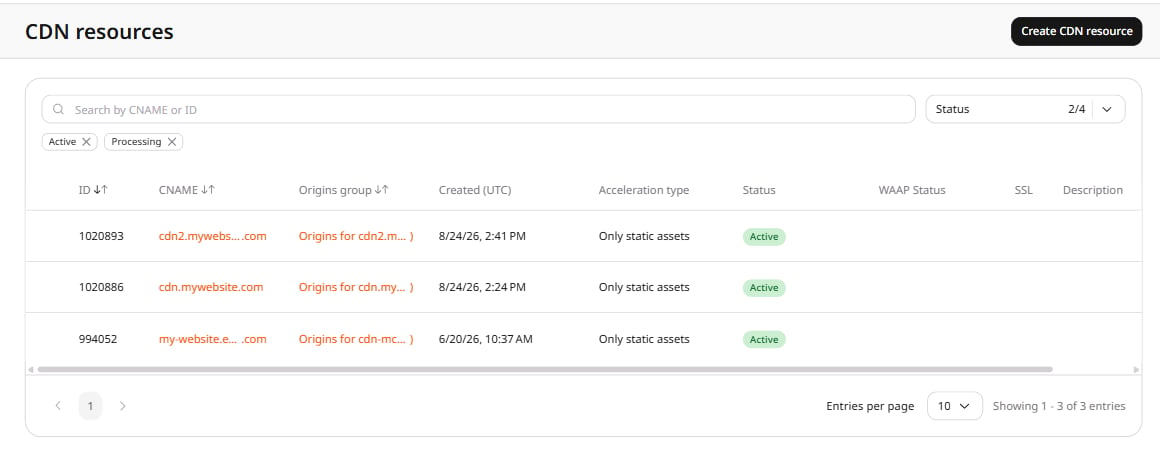
- Log in to the Gcore Customer Portal and navigate to CDN > CDN resources.
- Click the CNAME of the resource to open its settings.
- On the OPTIONS tab, scroll to HTTP methods and click the Enable HTTP methods toggle.
- In the Choose HTTP methods field, add the methods the CDN should accept. Remove any method tag to block that method.
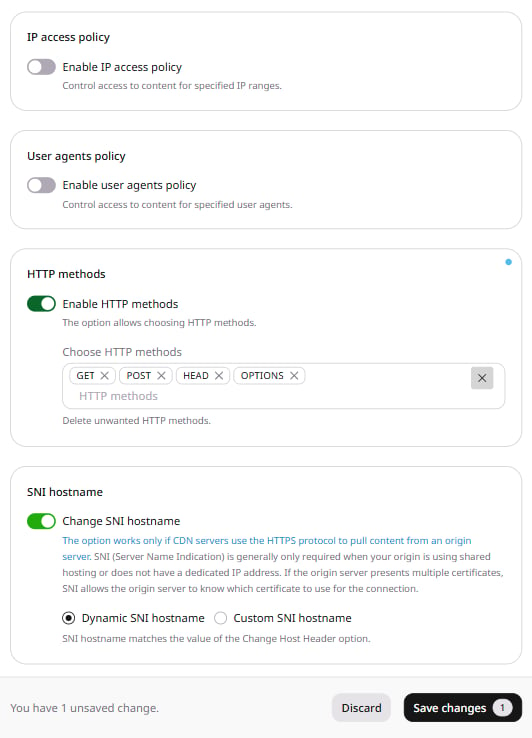
- Click Save changes.
405 Method Not Allowed without forwarding the request to the origin.