

1
Open Prefetch
In the Gcore Customer Portal, navigate to CDN > Prefetch.
2
Select the CDN resource
Select the resource whose origin holds the files. The dropdown shows each option as CNAME and ID.
3
Enter file paths
Enter one path per line without a domain, starting with a slash: 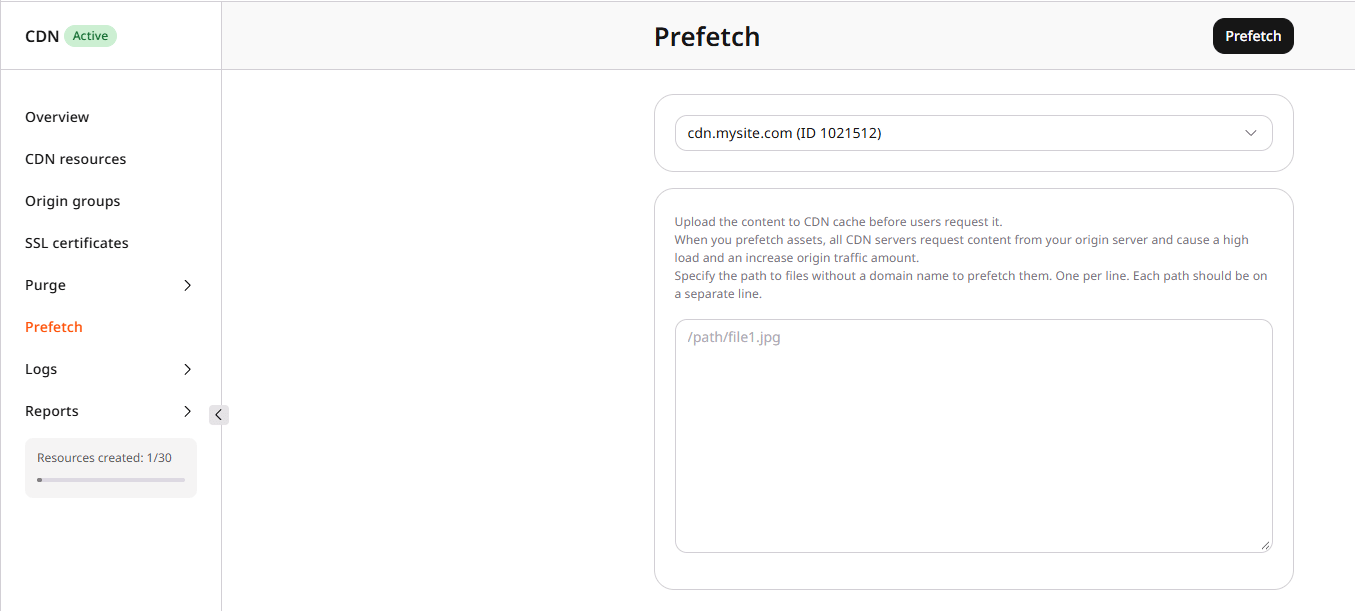
/path/file1.jpg.4
Submit the prefetch request
Click Prefetch.
5
Confirm the files are cached
Prefetch processing time depends on the number and size of the files — allow time for the operation to complete before testing.To verify, request a listed path from the CDN hostname and inspect the
Cache response header on the first request from your test location:Cache: HITon the first request means prefetch already populated that edge location.Cache: MISSon the first request followed byCache: HITon the next means the first request filled the cache. That edge was not populated by prefetch — either prefetch has not yet completed, or that location was not reached.