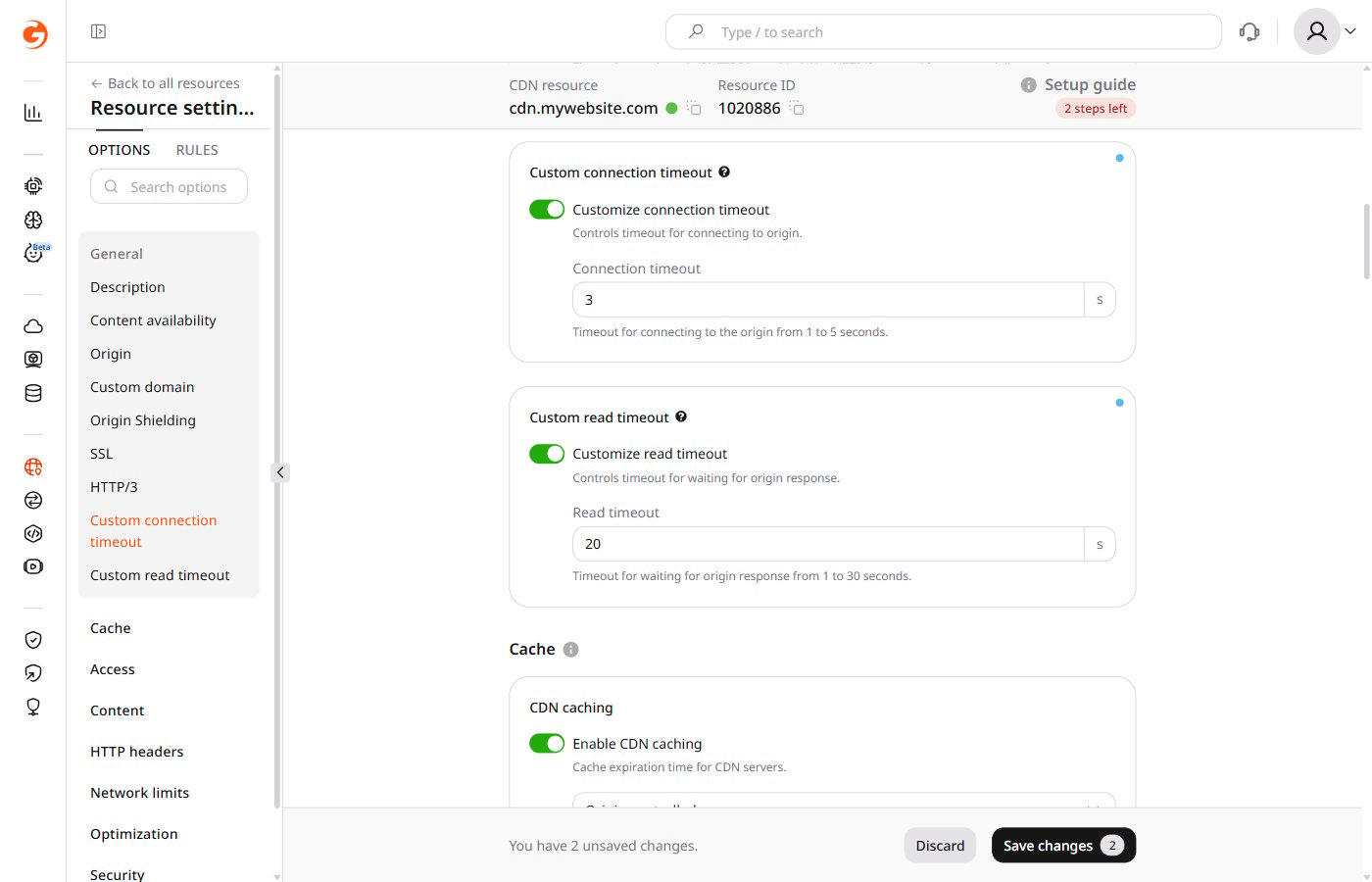
- A custom connection timeout sets the maximum duration allowed for establishing a connection.
- A custom read timeout sets the maximum duration for receiving a response from the origin server. This timeout applies between two successive read operations, not to the entire response transmission.
Configure custom timeouts
Timeouts are configured per CDN resource and apply to all requests handled by that resource. 1. In the Gcore Customer Portal, navigate to CDN > CDN resources.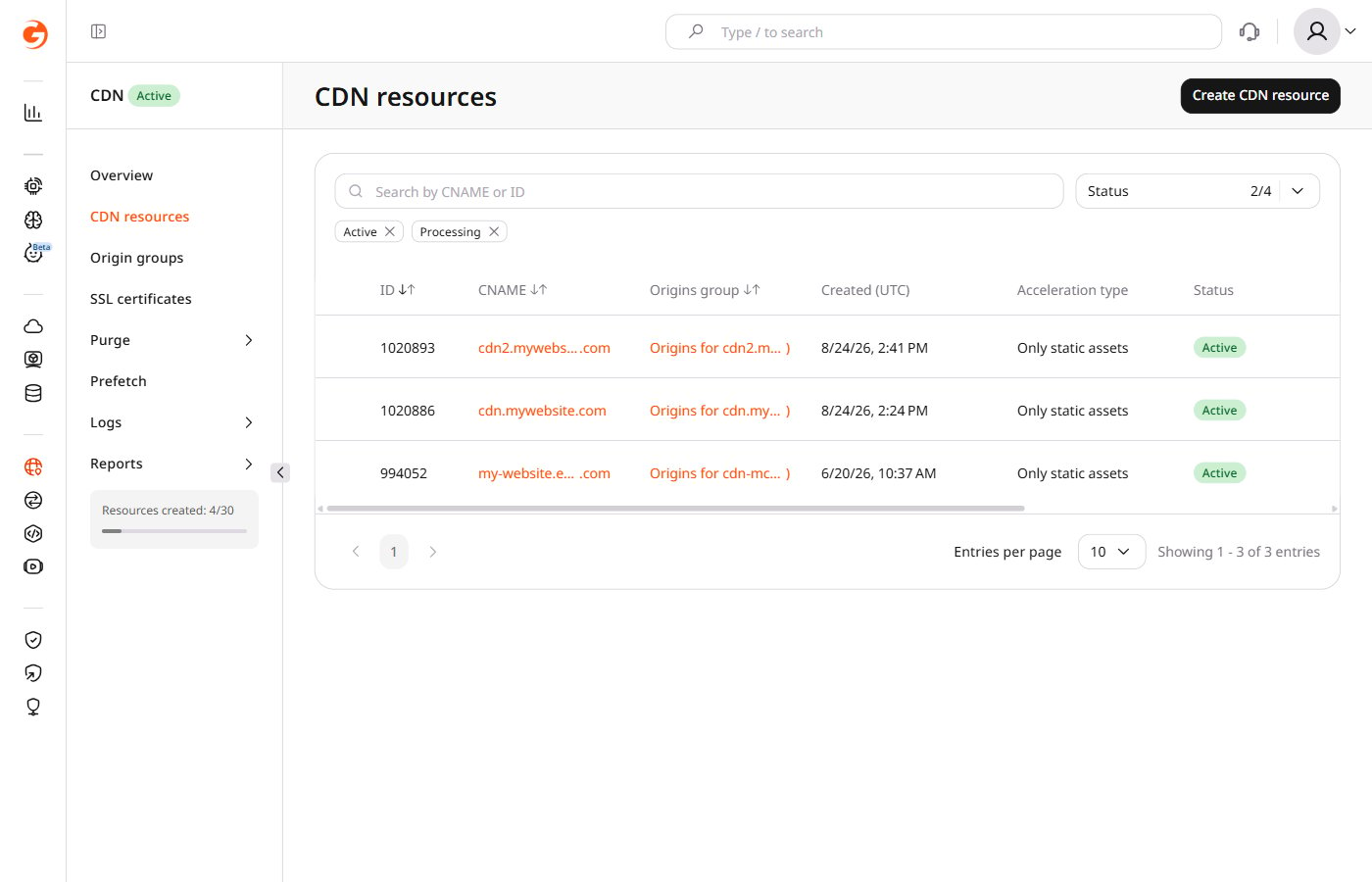
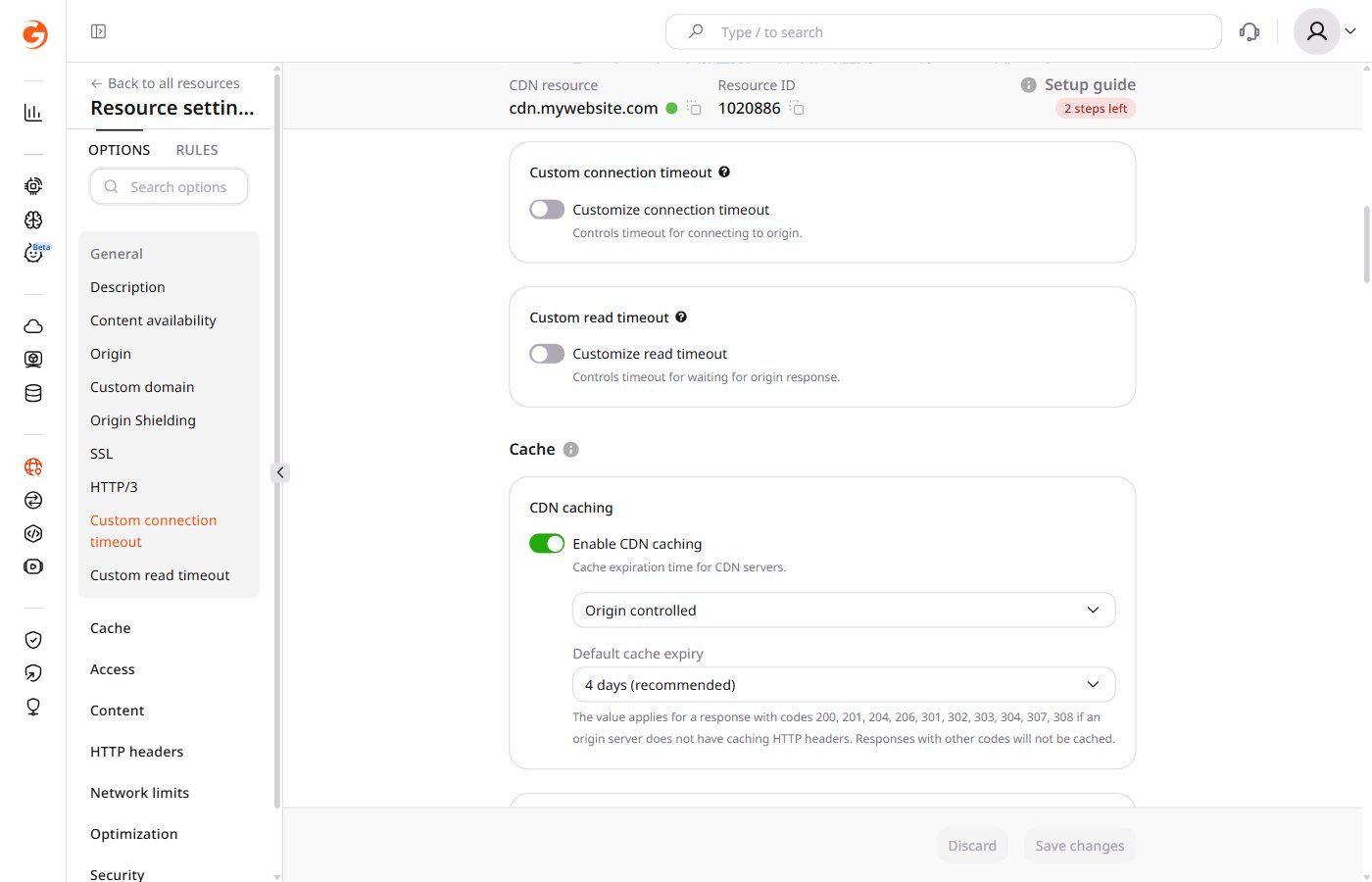
1–5 seconds for connection timeout and 1–30 seconds for read timeout. To configure both timeouts, repeat steps 3–4 for the other option before saving.
For Enterprise plans, the upper limits can be raised beyond 5 seconds (connection) and 30 seconds (read). Contact Gcore Support to request higher values.