

- Navigate to CDN > CDN resources and click the CDN resource you want to configure.
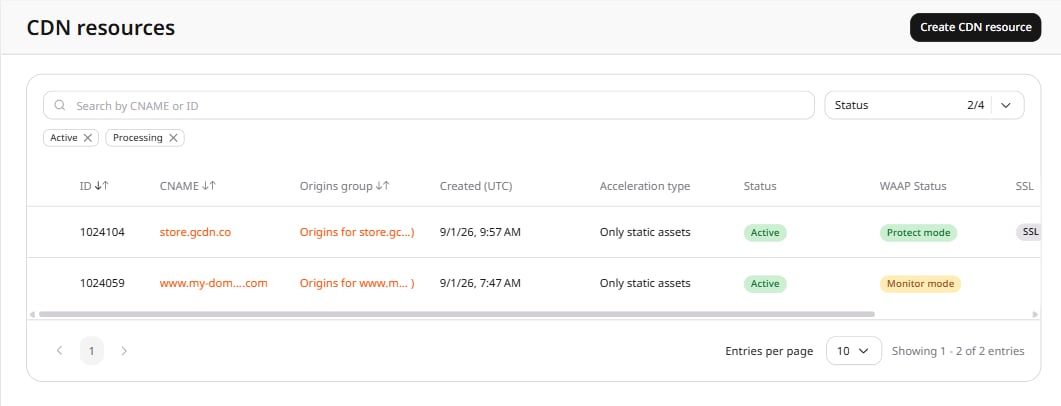
- In the resource settings panel, click HTTP headers to expand the section, then click Request headers.
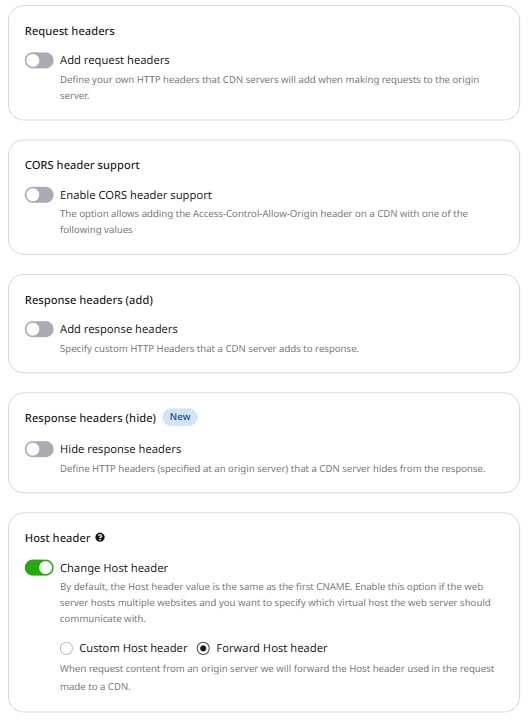
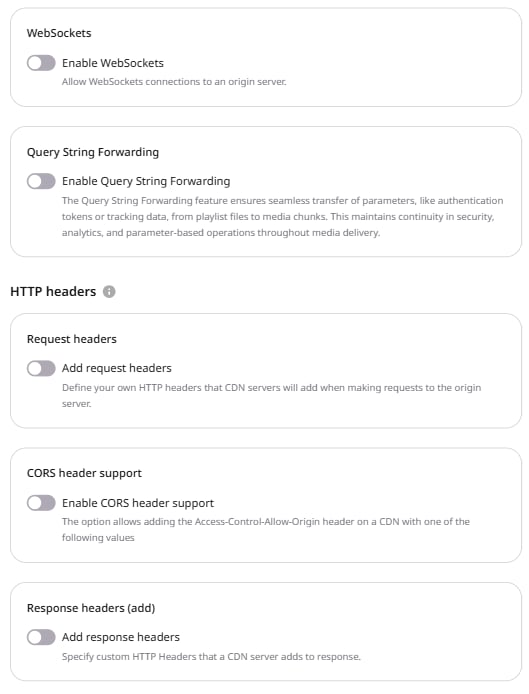
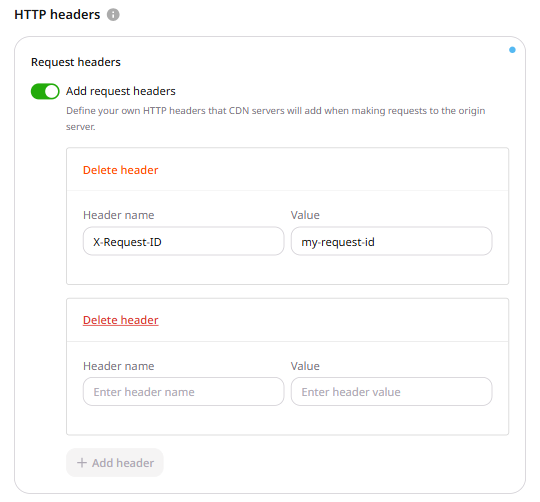
- Enable the Add request headers toggle.
-
In the form that appears, enter the name and value for the request header.
- Header name: Accepts letters (A-Z, a-z), numbers (0-9), dashes (-), and underscores (_).
- Value: Accepts letters (A-Z, a-z), numbers (0-9), dashes (-), underscores (_), slashes (/), colons (:), equals (=), dots (.), and spaces.
The Value field accepts spaces between words but cannot begin or end with a space.
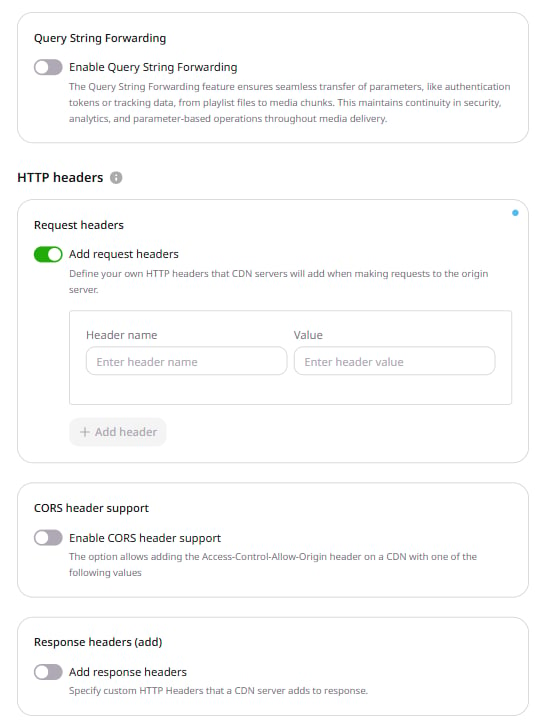
- To add more headers, click + Add header and repeat step 4.
- Click Save changes.