

Start a browser stream
Use the browser publisher to start WebRTC ingest from a webcam and publish the resulting HLS/DASH stream.- Log in to the Gcore Customer Portal and navigate to Streaming > Live Streaming.
- Open the live stream to publish to. If no stream exists, create a stream first.
- In Go live from your browser (beta), click Start WebRTC + webcam. The section description is “Here you can quickly start a WebRTC live stream using your webcam.”
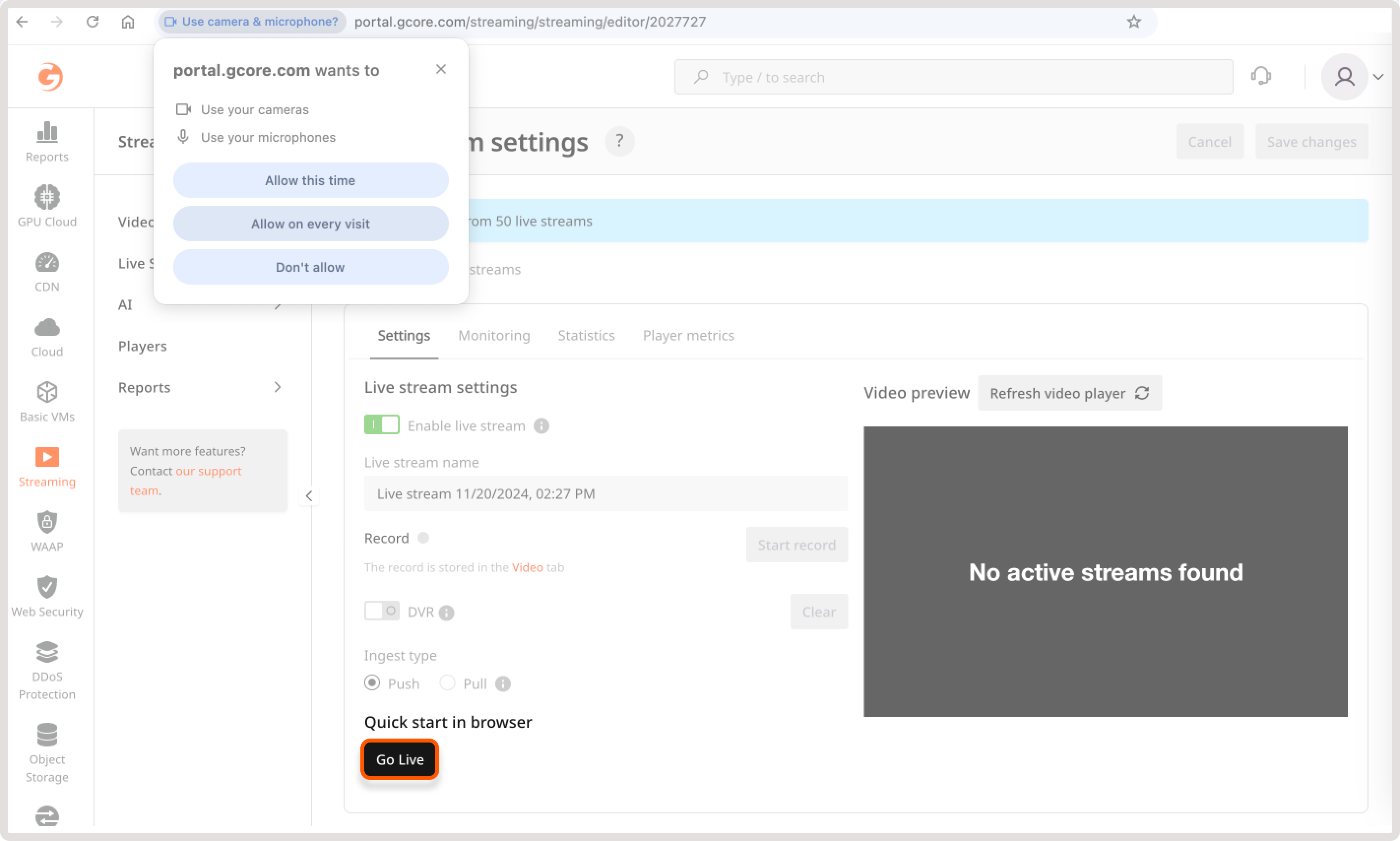
- Allow Gcore to access the camera and microphone.
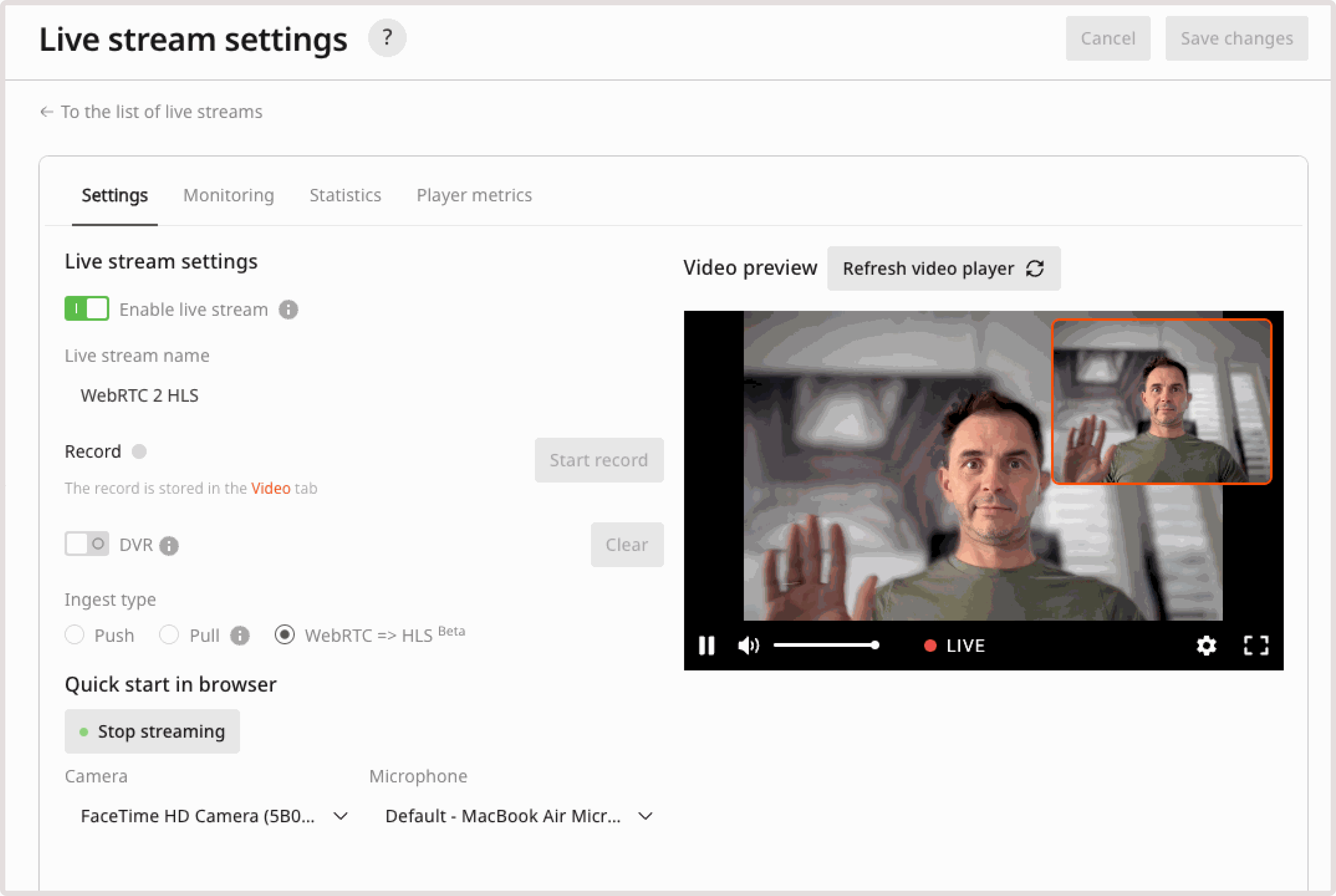
Share the stream
After the preview starts, use the export links from the live stream settings to publish the stream in an app, website, or custom player.- Copy the Iframe embed code to embed the Gcore player.
- Copy the Player URL to open the hosted player page.
- Copy the HLS or MPEG-DASH manifest URL to use a custom player.