SMTP ports 25, 465, and 587 are blocked when the system detects unusual outbound email traffic from a virtual server. This is a spam prevention measure.
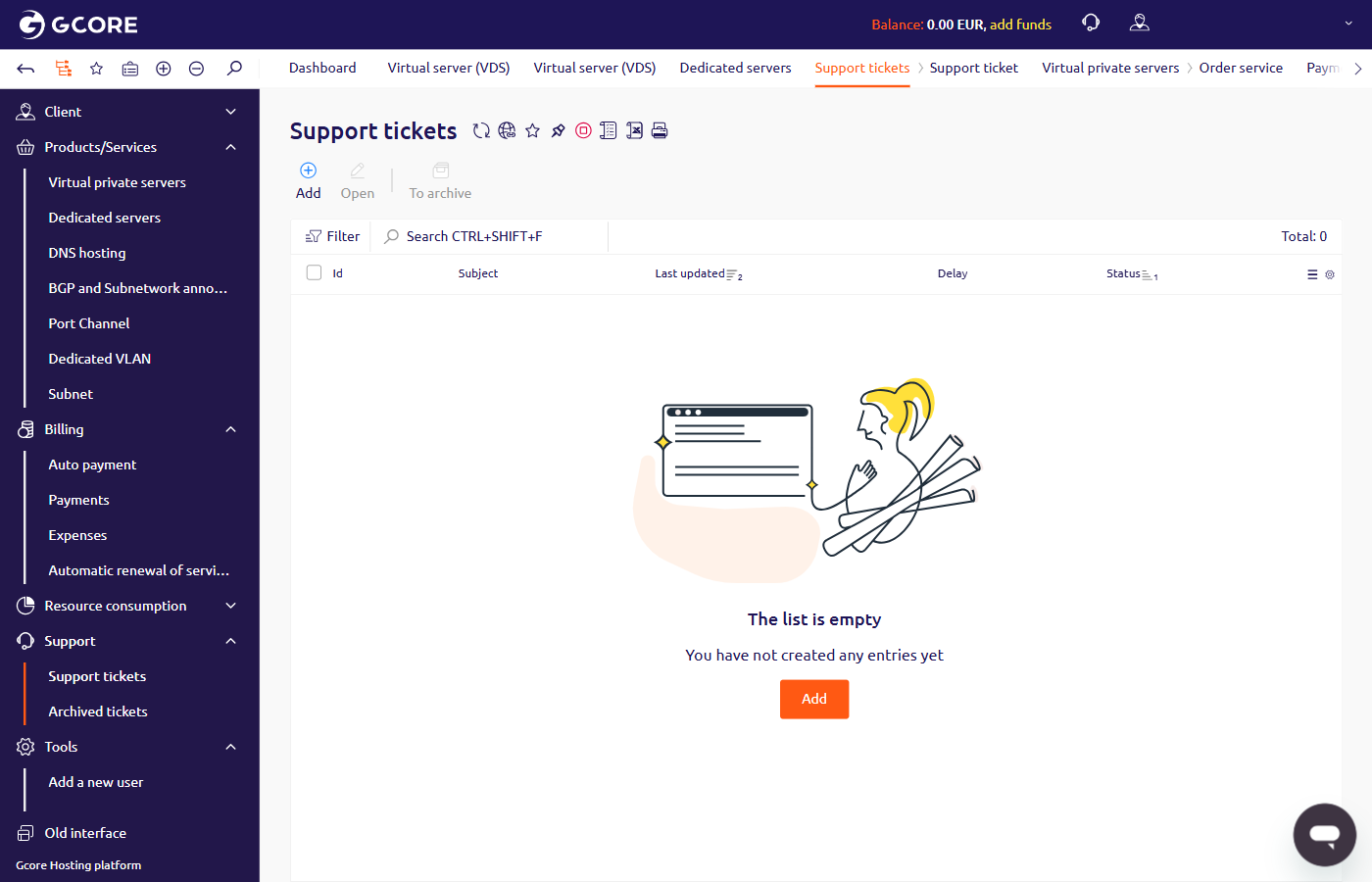
To verify whether the ports were blocked, navigate to Support > Support tickets in the Hosting portal. A blocking notification appears as a ticket with the subject “SMTP ports have been blocked” in the list.
Per paragraph two (d) of the usage policy, servers cannot be used to send unsolicited emails, chain letters, or spam. Outbound email is restricted to users of services hosted on Gcore servers.